
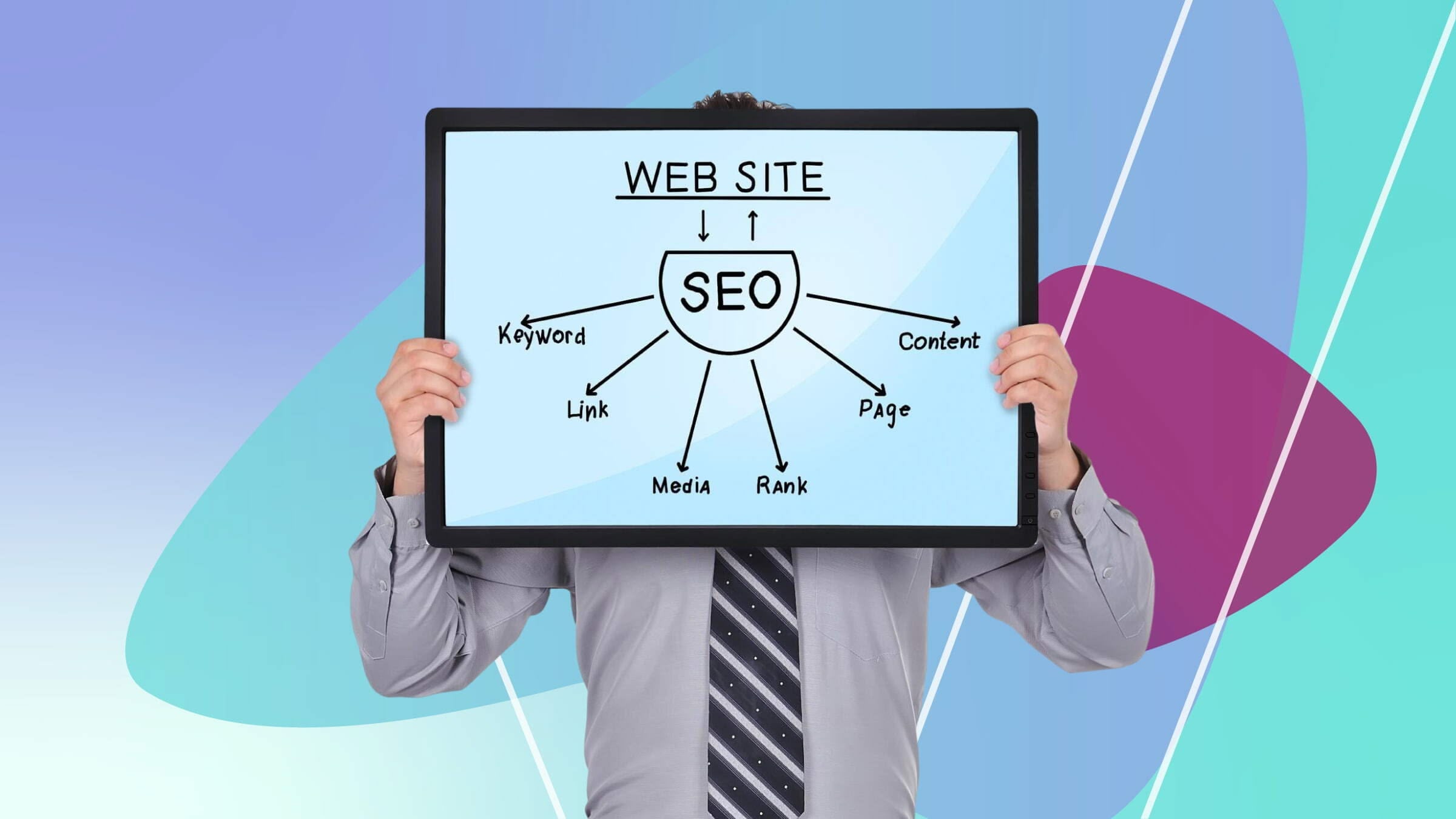
Launching a new website is like opening night for a movie: it’s exciting, nerve-wracking, and you want everything to go perfectly. But before you pop the champagne, make sure search engines can even find your site.
Think of SEO as the backstage crew setting up the spotlight – if the basics aren’t in place, even the best content may never be seen. In this guide, we’ll walk you through the critical SEO tasks that new sites should tackle first, from crawlability checks to content tweaks, so you get off on the right foot.
1. Ensure Search Engines Can Crawl and Index Your Site
Just like a friendly tour guide leads visitors through a museum, robots.txt and sitemaps guide search engines through your site. First, set up Google Search Console and Bing Webmaster Tools. These free tools let you see if Google or Bing can access your pages and alert you to errors. Submit your XML sitemap so crawlers know your page roadmap.
Check your robots.txt file to ensure you’re not accidentally blocking important pages. Don’t be afraid to peek under the hood: crawl your own site (using tools like Screaming Frog or the URL Inspection in Search Console) to catch server issues or “noindex” mistakes that could hide pages from Google. In short, you want your new site’s doors open to crawlers, not locked.
2. Hook Up Analytics and Submit Your Site
Keep score from Day One: integrate Google Analytics 4 and define your SEO KPIs (traffic, rankings, conversions). Set up search console to track clicks and impressions – you’ll see real data on how your pages perform. If you’re not a data whiz, this might sound dry, but it’s crucial.
I once ignored analytics after launching a blog and had no idea why visitors dropped off. Don’t learn this lesson the hard way. With analytics live, then submit your sitemap in Search Console to trigger indexing. This also helps catch crawl errors early. Remember, if Google can’t see your content, it can’t rank it.
3. Speed Up Your Site (Core Web Vitals)
Imagine your site is a race car – search engines love fast ones. Google explicitly rewards faster loading sites. Use tools like PageSpeed Insights or Lighthouse to measure your Core Web Vitals. These metrics (Largest Contentful Paint, Interaction to Next Paint, Cumulative Layout Shift) quantify how snappy and stable your pages are.
Start by compressing images, minifying JavaScript/CSS, and enabling browser caching. If you use WordPress, a caching plugin can work wonders overnight. Also ensure your site is mobile-friendly – a responsive design or dynamic serving is crucial, since Google indexes mobile-first. You wouldn’t walk into a restaurant and wait 10 minutes for water – users (and Google) get impatient the same way. Prioritise performance fixes, and your site will race ahead in the rankings.
4. Implement On-Page SEO Fundamentals
With the plumbing in place, turn to content signals that boost relevance. Title tags and meta descriptions are your billboards in search results: write unique, keyword-relevant titles (keep them ~50–60 characters) and compelling meta descriptions (~150–160 chars) for each page. Use heading tags (H1, H2, etc.) to structure your content like chapters in a book.
For example, your homepage might have one H1 with the site name or main keyword, and H2s introducing key sections. Make sure your primary keyword (e.g. “SEO priorities new website”) appears in the title and naturally in the first paragraph, but don’t overstuff—aim for ~1% density across the page. When you write, you are the reader: focus on clear, helpful language that answers real questions.
Remember, E‑E‑A‑T (Expertise, Experience, Authoritativeness, Trustworthiness) matters; write authoritatively yet in your own voice. A short anecdote or metaphor can make the text pop (“treat your meta tags like newspaper headlines for your pages”). Above all, avoid duplicate content: each page’s content should be unique to avoid confusing Google about which page to rank.
5. Organize Your Site Structure and URLs
A logical site architecture is like a well-signed library: easy to navigate. Use descriptive, human-readable URLs (e.g. yourdomain.com/contact instead of yourdomain.com/?p=123). Google can even show URL “breadcrumbs” in search results based on URL path. Group related pages into folders (like /blog/seo-tips/) to signal topical clustering.
Internally link between pages using natural anchor text so users and bots can find related content. Each internal link should be an <a href> tag (not a button or JS trick), so Google can crawl it. Good internal linking can boost lesser-known pages by passing “link juice” from high-traffic ones.
For example, link from your homepage or popular blog posts to new pages. Also implement a clear menu and a footer sitemap for human visitors. If your site grows large, remember: aim to keep important pages within three clicks of the homepage.
6. Plan Your Keywords and Content Strategy
Keyword research isn’t just for big brands; even a new blog benefits from it. List the topics your audience cares about (e.g. “best SEO tools 2026”, “site speed optimization”). Use tools like Google’s Keyword Planner or open-source ones to estimate search volume and find related queries.
Research competitors: see which keywords top sites in your niche rank for, and aim to cover those topics from a fresh angle. While doing this, maintain a natural tone: integrate secondary keywords like “crawlability,” “indexing issues,” “site speed optimization,” etc., as subtopics or bullet points.
Create a content roadmap (e.g., a blog or FAQ page) that addresses these queries in depth. Don’t forget to interlink these new pages in context, so search engines see a web of related content.
One more tip: if you ever feel stuck on strategy, check out Google’s SEO Starter Guide for fundamentals. It’s a handy resource that underscores our approach here – crawl, index, and relevance. (No brand bias, just solid tips.)
7. Build Trust Signals and Backlinks (Off-Page Basics)
Even a new site benefits from outside credibility. Start modestly: list your site on Google Business Profile (if it’s a local business), and share posts on social media to get real visitors. Every brand mention or share is a tiny trust signal.
Reach out to relevant sites for initial backlinks — don’t obsess on quantity, aim for a few quality links from reputable sites in your field. You might email a blogger for a guest post, or answer questions on forums with a link back.
Remember, off-page SEO (backlinks, social proof) is high-impact but takes time. It won’t be the “first fix,” but start these efforts early as long-term growth strategies. Meanwhile, remove or nofollow any sketchy links (if migrating content), and claim unlinked mentions of your brand to boost authoritativeness.
Technical Audit: Keep It Error-Free
One more quick checklist: run a technical audit (tools like SEMrush Site Audit or Ahrefs) to catch hidden problems. Fix broken links, duplicate titles, missing alt tags, or 404 errors. An error-free site builds trust with users and search bots. Think of it as tidying up your store before a grand opening – a clean shop gets more sales.
8. Monitor, Iterate, and Update
SEO isn’t “set and forget.” Check your Search Console and analytics weekly to spot trends. Notice a page underperforming? Maybe tweak its keywords or content. Seen a drop in speed? Optimize images or switch hosts. Celebrate wins (pages that climb the ranks!) and keep adjusting.
Many SEO changes take weeks to show impact – patience is key. Keep content fresh by periodically updating posts with new info or stats; this signals activity to Google. In short, build good SEO habits now to compound your site’s success over time.
Conclusion
In a nutshell, fixing technical issues, optimizing speed, and delivering clear content are your top priorities on a new website. By setting up tracking, cleaning up crawl errors, writing with intent and planning content, you give your site the best launchpad.
Think of SEO as a marathon relay: nail the first leg now (crawlability, indexing, speed), pass the baton (quality content and links) later, and you’ll be miles ahead of the pack. Ready to put these tips into action? Dive into your site’s dashboard today and tackle the most critical items first. Your future visitors (and Googlebot) will thank you!
Frequently Asked Questions
Q: How important is site speed for SEO?
A: Very. Google uses page speed (Core Web Vitals) as a ranking factor. If your site is slow, even great content can lose visitors. Compress images, enable caching, and streamline code. A quicker site improves user experience and search rankings.
Q: How do I choose keywords for my new website?
A: Think like your audience. List terms people might search related to your content or business. Use tools (Google Keyword Planner, Ubersuggest, etc.) to gauge interest. Check competitors for ideas. Aim for long-tail queries you can address well. Incorporate these naturally in titles, headings, and body text.
Q: Do I need a lot of backlinks for a new site?
A: In the beginning, focus on content and on-site SEO. A few high-quality backlinks help establish authority, but avoid spammy link schemes. Reach out politely for guest posts or mentions on relevant sites. Over time, an organic backlink profile will grow as your content proves valuable.
Q: How often should I update my site after launch?
A: Regularly. SEO isn’t one-time. Update content with fresh info, add new blog posts to address emerging questions, and routinely audit your site for issues. Schedule monthly checks of analytics and Search Console. Continuous updates signal to Google that your site is alive and improving, which can boost rankings over time.