
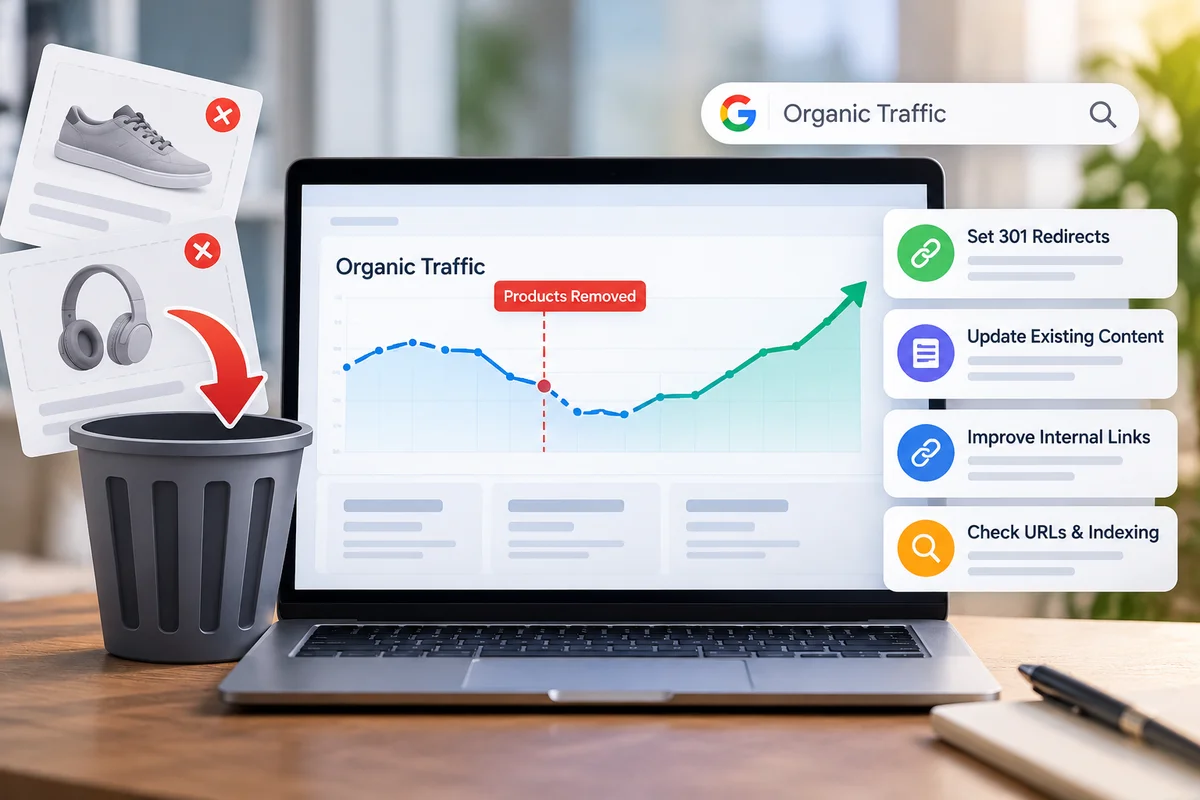
Deleting a product from an online store is usually a simple business decision. The item may have been discontinued, replaced by a newer version, or left unsold for too long. Someone removes it from the catalogue, takes it out of the menu and moves on to the next task.
The website, however, does not always move on so neatly.
That product page may have been attracting people from Google for a long time. A blogger may have linked to it. A customer may have bookmarked it. Another article on the same website may still point towards it. Even if the product itself has disappeared, the URL can still have value.
This is why a sudden drop in Organic Traffic sometimes follows a catalogue cleanup. The problem is not necessarily the deleted product. It is what the website loses when that product URL, its links and its search presence disappear without a plan. Businesses looking for a Best Ecommerce SEO Service should therefore look beyond individual product pages and examine how product removals affect the site’s wider search structure.
A Deleted Product Page Can Have a Long History
A product page often stays online much longer than the product itself remains popular. During that period, it can collect search impressions, links, mentions and internal connections.
Take an old pair of headphones as an example. The manufacturer may stop selling the model, but a technology blog could still have an article linking to the product page. A comparison guide on the store’s own website might mention it too. Searchers could still type the model number into Google.
Deleting the page removes the original destination for all of those paths.
That does not mean every discontinued product deserves special treatment. Some pages have never attracted meaningful visitors. Others have no external links and no search visibility. The useful starting point is therefore not “How many products did we delete?” but “Which deleted URLs were doing something valuable?”
Check the Old URLs Before Making Changes
The safest recovery work begins with a list.
Export the product URLs that have been removed, then compare them against historical search and website data. Google Search Console can help reveal impressions, clicks and search queries associated with pages. Analytics data can show whether visitors previously entered the site through those URLs.
Backlinks provide another piece of the puzzle. An old product page with links from relevant websites deserves more attention than a page that nobody referenced.
You do not need to save every old URL. You need to identify the ones that had a useful role and decide what should happen to them.
Find Out Why the Traffic Fell
Before changing dozens of URLs, make sure product removal is actually responsible for the decline.
Search visibility can move for many reasons. Competitors may publish stronger content. Demand for a product category may change. A search algorithm update may affect rankings. Seasonal purchasing patterns can also make a normal month look unusually weak.
Compare the timing of the traffic decline with the date when products were removed. Look at the pages that lost visits and check whether those pages were directly connected to the deleted products.
This simple comparison can prevent a lot of unnecessary work.
Match Old Products With Useful Replacements
When a product has been discontinued, the first question should be whether something else now serves the same purpose.
A newer version of the product is usually an obvious candidate. A closely related model may also make sense. In some cases, the relevant destination will be a category page containing several alternatives.
The destination needs to make sense to a real visitor. Google Search Central provides official guidance on redirects and permanent URL changes, making it a useful reference when reviewing this part of an ecommerce migration.
Imagine someone searches for a particular cordless drill and clicks an old result. Sending that person to a page about gardening equipment is technically possible, but it does not solve their problem. A current cordless-drill model or a relevant drill category would make considerably more sense.
Relevant replacements give an old URL somewhere useful to lead people.
When a 301 Redirect Is Appropriate
A permanent 301 redirect can connect an old product URL with its replacement. It means that someone visiting the old address is taken to another page instead of being left at a dead end.
This can be especially useful when the product has been replaced by another version or when the same customer need can now be met by another item.
The redirect should not be treated as a magic button for recovering rankings. Its usefulness depends heavily on the destination. If the old product was about a particular type of appliance and the new page discusses a completely different product, the connection is weak.
Neil Patel’s ecommerce SEO guidance discusses using relevant replacement pages for discontinued products rather than automatically sending visitors to a site’s homepage.
Why the Homepage Is Usually a Poor Replacement
The homepage feels like a safe destination because it represents the entire business.
For a deleted product URL, though, it is often too broad.
A visitor arriving from a search result has a particular reason for clicking. They may want specifications, a price, an alternative model or information about compatibility. The homepage rarely provides that immediately.
There will be cases where a homepage redirect is appropriate, but it should not be the default answer for every discontinued product. A relevant category, replacement product or useful resource usually gives the visitor a clearer route forward.
Clean Up Internal Links
Deleting a product does not automatically remove every link pointing to it.
The old URL might appear in a blog post published two years ago. It could be sitting inside a category description, a buying guide, a comparison table or a related-product section.
Those links deserve a review.
If the old product has a suitable replacement, update important internal links so they point directly to the current page. This removes an unnecessary redirect step and gives search engines a clearer picture of how the website is connected.
For a large ecommerce site, there may be hundreds of references. Start with pages that receive the most traffic or have the strongest internal importance rather than trying to fix everything at once.
Do Not Forget the Category Page
Product removals can sometimes lead businesses to delete category pages too quickly.
Suppose a store has a category for office chairs and removes five discontinued models. The category can still be useful if other office chairs remain available. Customers may still search for the category, and the page may still have established visibility.
A category page often has a broader purpose than any single product underneath it.
Before deleting a category, check its traffic, rankings, content and remaining products. If customers still need it, improve the page instead of removing it simply because its product count has fallen.
Update Older Articles and Guides
Product removal can leave outdated information scattered across the website.
A buying guide might recommend a model that is no longer sold. An article could contain an internal link to the old product. A comparison page may list specifications that are no longer relevant.
These pages can continue attracting visitors even after the product has disappeared.
Review the content that previously supported the removed product. Replace obsolete recommendations where a suitable alternative exists. If the article still answers an important customer question, preserve its useful information rather than rewriting everything unnecessarily.
The aim is simple: someone reading the article today should not be pushed towards a product that the business no longer sells.
Product Removal Checks Worth Doing
- Create a record of every removed product URL.
- Compare old URLs with historical Google Search Console data.
- Check which discontinued pages attracted organic visits.
- Review backlinks pointing towards valuable old URLs.
- Find internal links that still reference deleted products.
- Look for newer versions or genuinely similar replacements.
- Review categories affected by the product removals.
- Update useful articles that contain outdated product references.
- Test important redirects after they are published.
- Keep monitoring the affected pages after search engines recrawl them.
What If There Is No Similar Product?
Not every discontinued item has a replacement.
Sometimes a manufacturer has ended an entire product line. Sometimes the business has changed direction and no longer sells anything similar. In that situation, forcing an old URL onto an unrelated page can create more confusion than value.
A discontinued page can sometimes remain useful.
For example, customers may still need an instruction manual, technical specification, compatibility information or warranty details. Keeping the page available with a clear discontinued message can help those visitors while directing them towards relevant alternatives.
Other pages may have no remaining purpose. If a URL attracted almost no search activity, has no meaningful backlinks and no longer helps visitors, retiring it may be perfectly reasonable.
There is no universal rule for every product. The history of the URL matters.
Pay Attention to Backlinks
Backlinks can reveal value that normal website analytics miss.
An old product may have been reviewed by a publication or included in a resource article. Those external links can continue sending referral visitors even after the product has disappeared from the catalogue.
Review the pages linking to important discontinued URLs. If a suitable replacement exists, a relevant redirect can provide those visitors with somewhere useful to go.
For particularly valuable links, contacting the referring website may also be worthwhile. The publisher may be willing to replace the old product link with the current product or category.
You do not need to chase every backlink. Focus on links that are relevant, useful and likely to send genuine visitors.
Watch for Redirect Chains
Product migrations can create redirect chains without anyone noticing.
A product removed last year might redirect to Product B. Product B is later discontinued and redirected to Product C. Now the original URL passes through another URL before reaching the current destination.
Review important redirect paths and shorten them where possible. If Product C is the appropriate final destination, the original URL can often point directly there.
This becomes increasingly important on large ecommerce websites that have changed their catalogue several times over the years.
Check Your Sitemap After Product Removal
The XML sitemap should reflect the pages that the website actually wants search engines to discover.
After a large product cleanup, review the sitemap and make sure permanently removed product URLs are not being presented as current pages. At the same time, confirm that important replacement and category pages are accessible.
It is also worth checking canonical tags, internal links and indexation settings. A technically healthy replacement page cannot do much if the site accidentally blocks search engines from accessing or indexing it.
Google Search Central provides official guidance on redirects and permanent URL changes, making it a useful reference when reviewing this part of an ecommerce migration.
How to Measure Organic Traffic Recovery
Give search engines time to process the changes before drawing conclusions.
Create a simple comparison using the period before the product removal and the period after implementation. Track clicks and impressions for affected URLs, along with landing-page sessions and important search queries.
Do not look only at the deleted pages. A product removal can influence category pages, comparison articles and other pages that were connected to the old products.
A useful recovery report might show three groups: pages that disappeared, pages that received redirects, and pages that remained active but were connected to the removed products. That makes it easier to see where the actual change occurred.
Organic Traffic Recovery: Practical Review Table
| Area | What You Need to Check | What You Can Do |
| Deleted product | Previous clicks and impressions | Assess its historical value |
| Search queries | Terms that brought visitors | Identify the original search intent |
| Backlinks | External sites linking to the URL | Redirect or request a link update |
| Replacement | Current product serving a similar purpose | Use a relevant destination |
| Category | Whether the category still has useful products | Keep and improve it |
| Internal links | References from current pages | Update important links |
| Old content | Articles mentioning the product | Replace outdated recommendations |
| Redirects | Correct destination and status | Test and remove unnecessary chains |
| Sitemap | Presence of obsolete URLs | Keep the sitemap current |
| Monitoring | Changes after implementation | Compare search and analytics data |
Give the Changes Time to Settle
One of the more frustrating parts of SEO work is waiting.
You can make technically sound changes and still see little movement immediately. Search engines need to discover the changes, recrawl URLs and process the new relationships between pages.
Avoid making another large batch of changes simply because the numbers look flat after a few days. Give the website enough time to produce useful evidence.
If the numbers remain weak, go back to the individual URLs. Check whether the destination is actually relevant, whether the replacement page is indexed and whether the old page had stronger search intent than you initially realised.
That second look often reveals something that a site-wide report cannot.
Create a Product Retirement Routine
The easiest traffic loss to fix is the one you prevent.
Before deleting a product, make a short SEO check part of the normal retirement process. Record the old URL, review its search performance, check backlinks, identify internal links and decide whether a replacement exists.
The process does not need to be complicated. Even a spreadsheet can record the URL, retirement date, reason for removal, replacement page and redirect status.
For a larger store, the same information can become part of the ecommerce team’s product-removal workflow. That way, SEO is considered before the URL disappears rather than after traffic has already fallen.
Conclusion
Recovering Organic Traffic after removing products is mainly a matter of making deliberate decisions about old URLs. Some deserve a relevant redirect. Some should continue providing useful discontinued-product information. Others can be retired because they no longer serve visitors or searchers.
Start with evidence rather than assumptions. Look at historical search data, backlinks, internal links and the purpose of each page. Then connect valuable old URLs with destinations that genuinely make sense.
If a catalogue cleanup has already affected your search visibility, RankGuru can help you examine the affected pages and identify practical SEO actions. Begin with the URLs that previously brought the most value, fix the strongest opportunities first, and monitor what changes afterward.Contact RankGuru and connect with the team to solve all your problems.
FAQs
1. Can removing products affect Organic Traffic?
Yes. Removing a product can affect search visits when the page previously ranked for useful searches, attracted backlinks or received internal links. The impact varies depending on the history and importance of the URL.
2. Should I redirect every discontinued product page?
No. Redirect a discontinued page when there is a genuinely relevant replacement. If no suitable destination exists, keeping useful information available or retiring the URL may be more appropriate than sending visitors somewhere unrelated.
3. Is it safe to redirect an old product page to a category?
It can be, provided the category closely matches the original product and visitor intent. A relevant category can give visitors useful alternatives, while an unrelated category may not provide the same value.
4. How can I tell whether my Organic Traffic loss came from product removal?
Compare the timing of the traffic decline with the product removals, then review affected landing pages, Search Console data, search queries and backlinks. This helps separate product-removal effects from other causes of ranking or traffic changes.